

The Plan Wine Tasting app is the phone version of the site, built for the hours when you are already in wine country and a laptop is back at the hotel. Sign in with the same account you use on the website, and the home screen shows the subscription tier attached to that account. Saved trips, tasting notes, and the cellar follow the plan on that account, which you can review on the subscription plans page, and the download is free for both iPhone and Android.
Use the app while the day is underway, not only while you are still choosing wineries at home. A reservation time, a rural address, and a phone number are easier to reach from the itinerary in your pocket than from a tab you bookmarked yesterday. If a stop runs long, the map is there for a nearby restaurant or a walk-in tasting room that still fits the afternoon.
Your trip on the phone
Open Trips and choose the day you are on. Each stop shows the business name, the date and time, and the address. Tap the address and the phone opens that place in maps, so you can start driving directions without copying the street into another app. When the listing includes a website or a phone number, those are on the same card, and a tap places the call or opens the site.
The stop also keeps the reservation status and the confirmation number when you entered them, along with the party size, the cost, and any note you saved for that visit. You can add another location to the trip or edit a stop from the phone if the day changes after you leave the hotel. That is the practical difference from the website: the itinerary is in the same place as the call, the map, and the note you want before you walk in.
Map, notes, and cellar
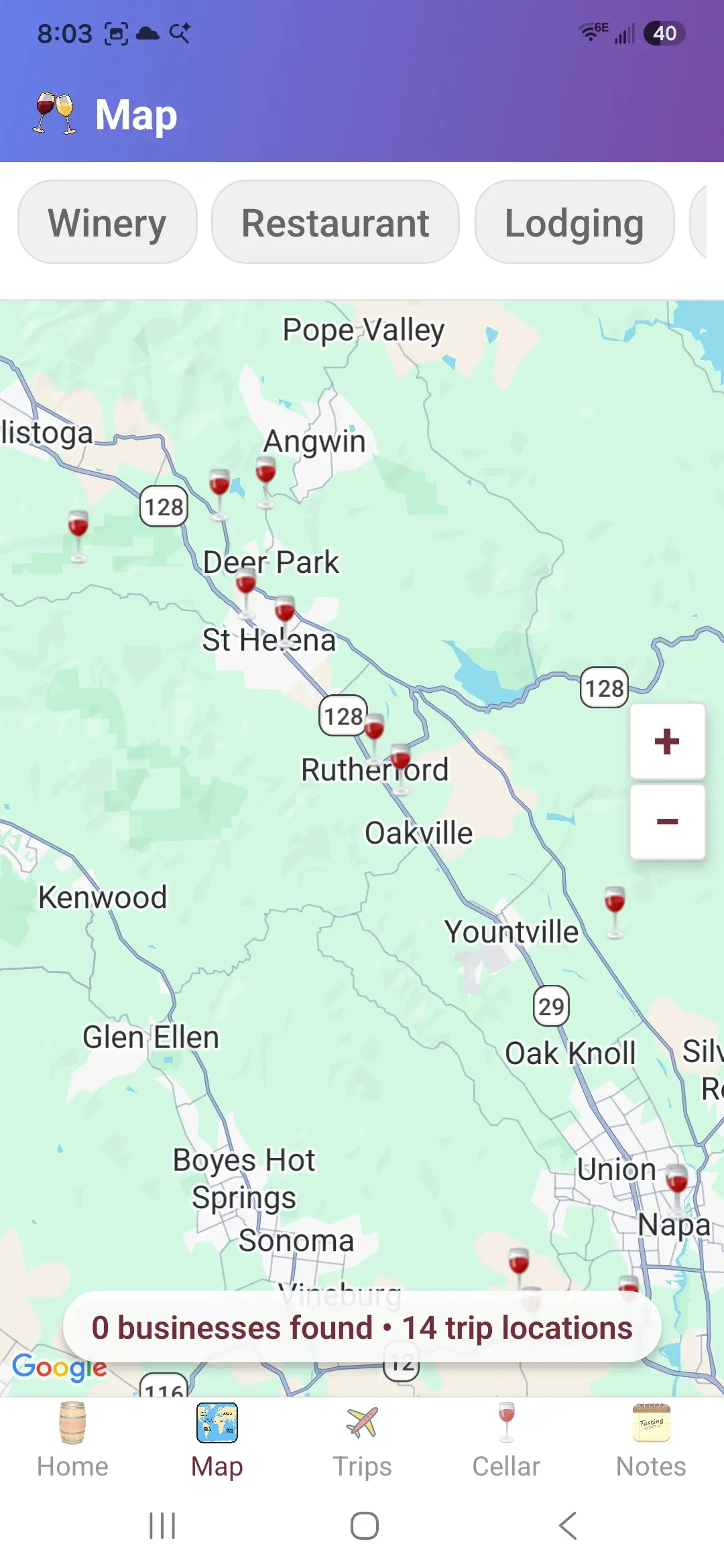
The map shows wineries, restaurants, and lodging, and you can turn each of those types on or off. It is the same kind of search as the winery map on the website, sized for a screen you can hold in the car. Open a pin when you need the address and contact details for a place that was not on the original list. A last-minute lunch or a replacement tasting is easier when you can see what is actually nearby.
Tasting notes are for the memory that fades after the third flight. Add a note from the list, or scan the bottle label with the camera and attach what you tasted, what you would buy, and when you might drink it. You can filter the notes later instead of scrolling through every bottle from the trip. Writing the note at the counter is more reliable than reconstructing the lineup from a photo of the menu that night.
The cellar is the inventory of bottles you keep after the trip is over and you are back home. Scan a label to add a bottle, then search and sort the list by producer, wine name, vintage, quantity, price, or the year you plan to drink it. You can limit the list to one cellar when you keep bottles in more than one place. The phone is the convenient place to record a bottle at the tasting-room counter, and the website is still there when you want the wider screen for a larger update.
App screens
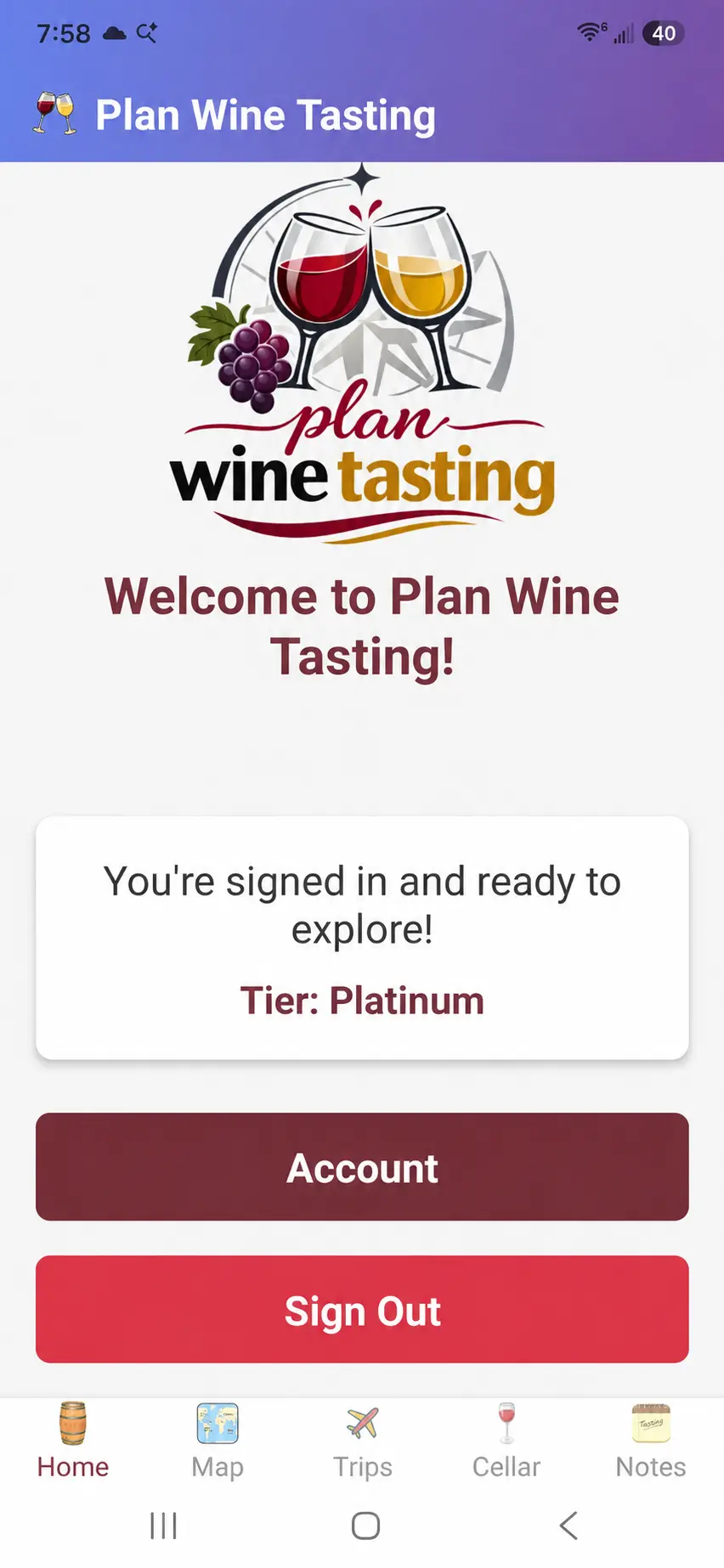
The home screen is the signed-in starting point, with your name and the tier on the account. The map screen is the place to look around the area you are in. Together they cover the two jobs the app is meant for: follow the trip you already built, and find something nearby when the plan needs a change.
Download the app
Point a phone camera at the code. An iPhone opens the App Store listing, and an Android phone opens the Google Play listing. The buttons under the code go to those same listings if you are already on a computer and want to send the install to your phone. Install the app, sign in, and the trips on your account are ready for the tasting day.